Video ad basics
What is arcads, and where does it fit in video production?
If you are asking what is arcads, the short answer is an AI video ad tool associated with presenter-led creative. This guide separates that basic concept from the script decisions, visual review, and publishing work that still need a person.

One-line value
Arcads is a way to explore presenter-led video ad concepts without treating every draft as a new camera shoot. The useful question is whether the resulting message, delivery, and product claims suit your audience.
Three mechanisms behind the concept
Think of an AI-presenter ad as three connected parts, not a finished campaign produced by a single click.
-
1
Write the message
Start with a specific audience, one product benefit, and a claim you can support. A concise script gives the presenter a clear job. Arcads cannot decide whether your offer is accurate or whether the opening line will matter to the people you want to reach.
-
2
Choose a presenter direction
Match the on-screen speaker and delivery to the message rather than choosing a face solely for novelty. Consider whether the result feels credible for your category, whether the voice is easy to follow, and whether viewers could mistake a synthetic endorsement for a real customer.
-
3
Review the video as an ad
Watch the entire draft with sound and on a phone-sized screen. Check pronunciation, pacing, captions if present, product details, and the closing action. The creative is ready for a test only after those checks, not merely because a video file exists.
Step-by-step: AI-presenter draft versus filmed ad
Both routes begin with a brief and end with human review. They differ most in how the person appearing on screen is produced.
AI-presenter draft
Filmed presenter ad
Initial brief
AI-presenter draft
Define the audience, offer, key claim, and desired action.
Filmed presenter ad
Define the same audience, offer, key claim, and desired action.
Script
AI-presenter draft
Write dialogue for a virtual speaker and revise it after hearing the delivery.
Filmed presenter ad
Write dialogue that a performer can interpret and adjust during filming.
On-screen person
AI-presenter draft
Evaluate whether a synthetic presenter suits the brand and message.
Filmed presenter ad
Cast a person and agree on how their appearance may be used.
Production
AI-presenter draft
Generate a draft, then inspect its voice, visuals, and timing.
Filmed presenter ad
Record footage, then select takes and edit the sequence.
Product proof
AI-presenter draft
Supply genuine demonstrations or evidence when the claim needs them.
Filmed presenter ad
Capture genuine demonstrations or evidence when the claim needs them.
Final approval
AI-presenter draft
Check claims, disclosure needs, and platform requirements before publishing.
Filmed presenter ad
Check claims, permissions, and platform requirements before publishing.
What changes between a concept and an edited ad
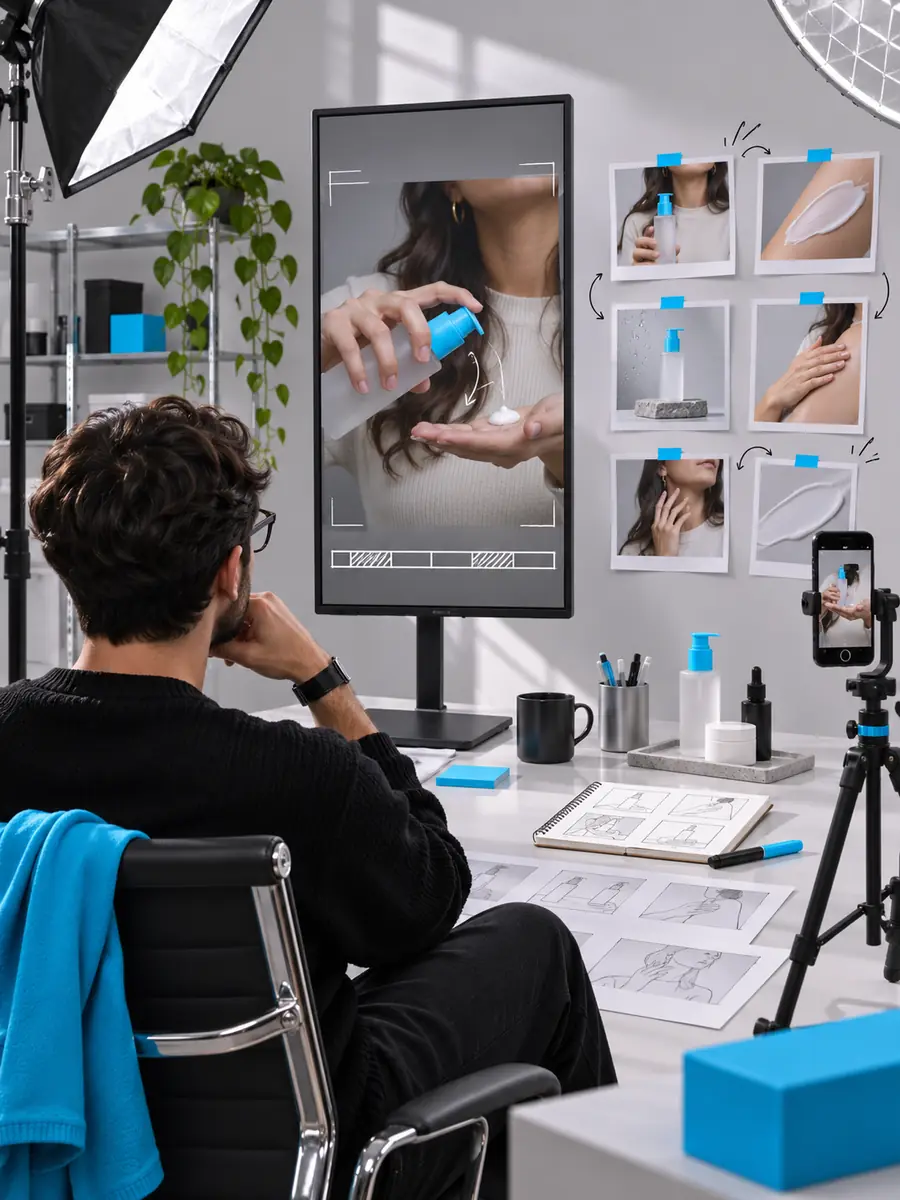
These images illustrate a visual distinction, not a verified before-and-after transformation made in Arcads.
- Presenter concept
- Edited ad treatment
Illustrative images only. They do not establish that one image was generated from the other or that a specific edit is available through this route.

Limits and edges
An AI video draft can speed up exploration, but it does not remove the checks that make an advertisement usable.
-
It cannot verify your claims
A convincing speaker can still repeat an unsupported result, incorrect specification, or outdated offer. Arcads output should not be treated as evidence that a statement is true.
WorkaroundKeep a source for every material claim and have the responsible team approve the script.
-
It cannot supply real customer testimony
A synthetic presenter is not a customer who used your product. Presenting generated speech as a genuine personal experience can mislead viewers, even when the script sounds natural.
WorkaroundUse authentic, permissioned testimonials when an ad relies on lived experience.
-
It cannot guarantee channel approval
Advertising policies vary by platform, topic, and location. A polished video may still require disclosure, substantiation, or changes to its wording before it can run.
WorkaroundReview the rules for the intended placement and seek specialist advice for regulated claims.
-
It cannot predict performance
Neither a realistic presenter nor a strong first impression proves that an audience will respond. Results depend on the offer, targeting, creative, and measurement.
WorkaroundCompare distinct hooks in a controlled test and judge them against your own campaign goals.
Put a video concept to the test
Start with a claim you can stand behind
Write one clear message, decide whether a virtual presenter is appropriate, and review the resulting creative before considering publication. If you want to explore a video creation workflow, follow the link and check the destination’s current capabilities and access terms for yourself.
Explore video creation- Lead with a specific audience and offer
- Review voice, visuals, and factual claims
- Check platform rules before publishing
Frequently asked questions about Arcads
Arcads is associated with creating AI-presenter video ads. Its practical role is to help explore a spoken, creator-style ad concept; the advertiser remains responsible for the script, claims, and decision to publish.
It is better understood as a video-creation option than as a complete advertising strategy. Audience research, the offer, compliance review, and performance measurement remain separate work.
No. A synthetic presenter should not be represented as someone who personally used a product unless that statement is genuinely true of an identifiable person and the presentation is not misleading.
Watch it from beginning to end and check the script against your evidence. Then assess the voice, pacing, visual clarity, disclosure needs, and rules of the channel where you plan to use it.